


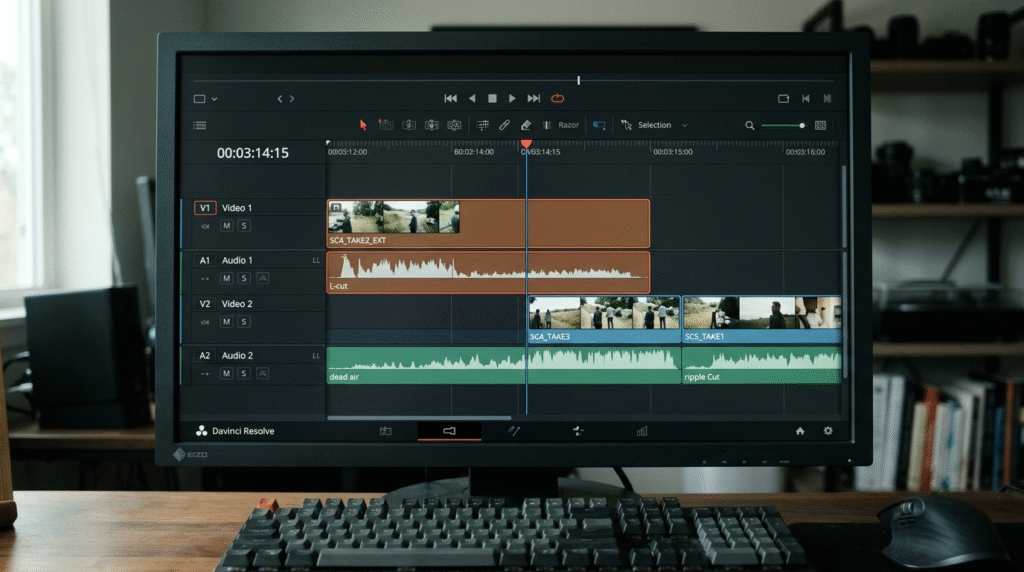
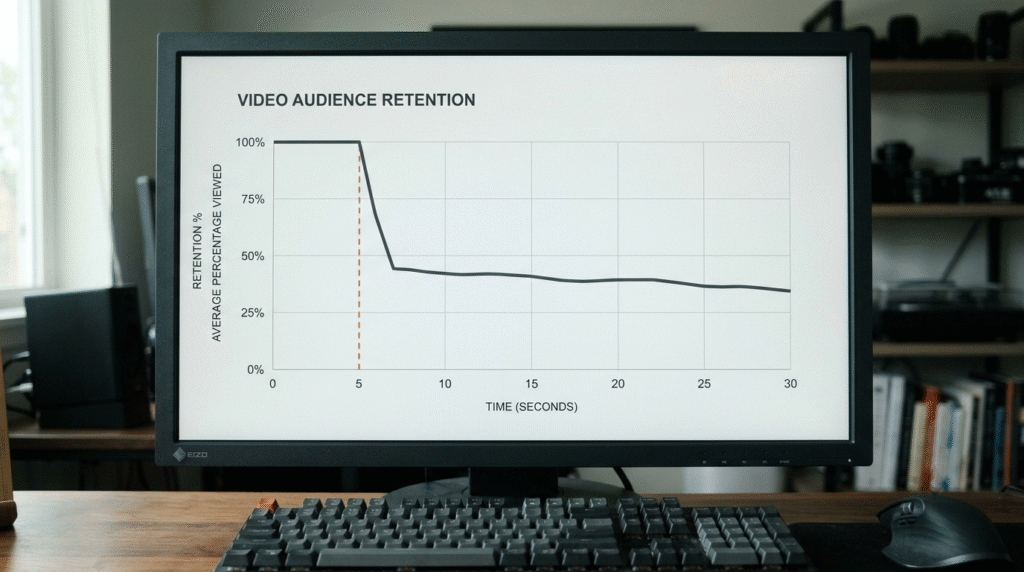
Viewers leave at second 5 because you follow a great hook with introductory fluff. You make them wait for the value you promised. To fix your retention curve, delete your entire transition sentence and cut straight from the claim to your first actionable point.
Why Viewers Leave Your Reel in 5 sec (And How to Fix It)
You hook someone in the first three seconds.
Then you watch your analytics drop off a cliff right after.
Your idea was solid. You recorded clearly on your phone. But when you check the retention graph, half your audience left before you reached your solution.
The problem is simple: you gave them an opening line, then stopped to clear your throat.
Why Viewers Drop Off Right After Your Hook
The opening three seconds only buy you curiosity.
Seconds 4 through 8 determine if the viewer actually stays.
Most founders treat short-form video like a conference presentation. You state a problem, then you instinctively pause to set up the background.
You want to define terms. You want to explain why this matters.
Every extra sentence you add before the first takeaway gives the viewer a reason to swipe away.
Mobile attention is ruthless. When you delay the solution, people assume you ran out of things to say.
What Actually Happens Between Second 3 and Second 8
When I look at raw client footage on the timeline, three habits consistently kill watch time:
- The context trap. You feel the need to explain your credentials before you give your advice.
- Dead audio space. Inhales, trailing pauses, and filler words stretch across the cut.
- Visual stagnation. The camera stays at the exact same distance while you deliver your introductory remarks.
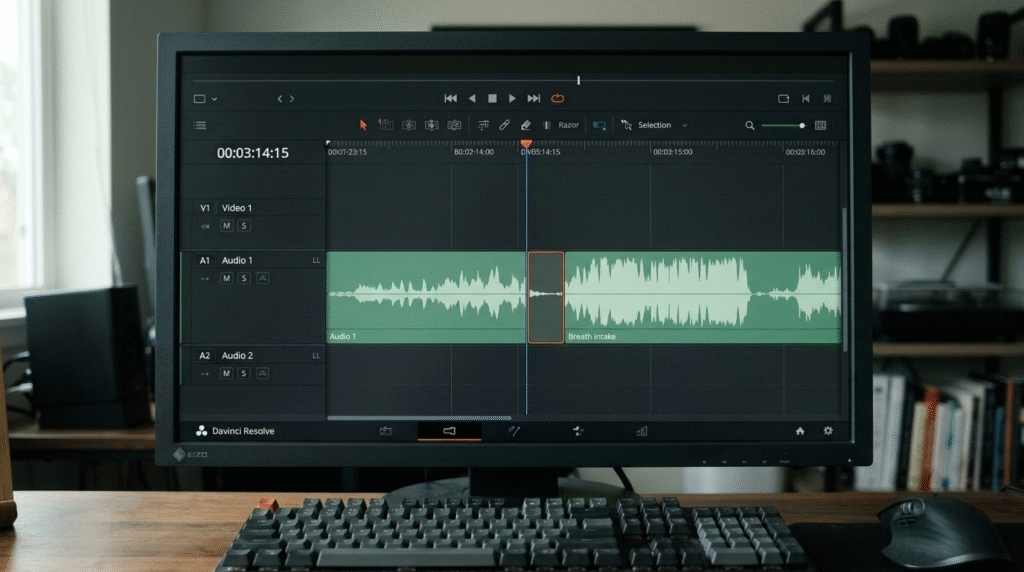
Your viewer hears the pause, sees no movement, and moves to the next video.
The 5-Step Editorial Fix
Here is the exact editing sequence I use on the timeline to save that early drop-off:
1. Find Your Real Starting Point
Scroll past your introductory sentences. Find the exact syllable where your actual advice begins.
(Tool: Track Select Forward Tool [A] and Razor Tool [C])2. Delete the Transition Sentence
Remove the conversational bridge connecting your hook to your first point. The advice should hit immediately.
(Tool: Ripple Delete [Shift + Delete / Option + Q/W])3. Tighten the Breath Gap
Cut out the dead air between the hook and the solution without clipping into natural consonants.
(Tool: Audio Ripple Edit Tool and Rolling Edit Tool [N])4. Punch In on the Visual Cut
Crop in 8% to 12% on the speaker’s face the moment the solution starts. This visual shift resets the viewer’s eye.
(Tool: Effect Controls > Motion > Scale & Position)5. Smooth the Audio Seam
Place a micro-transition between the two cuts so there is no audible pop or click.
(Tool: Constant Power Audio Transition [Command + Shift + D])What This Looked Like on a Real Client Video
A consultant sent me a 60-second raw phone recording.
The opening line was excellent:
“Most founders waste twenty hours a week on calls that should be emails.”
Right at second 4, the consultant leaned back and added:
“Now, I’ve been running software companies for over twelve years, and whenever I look at client calendars…”
The analytics on that style of opening showed a 48% drop-off before second 6.
I cut out that twelve-year background sentence completely.
The video went straight from “should be emails” directly into “Here is the two-sentence email template that kills calendar clutter.”
That simple trim held over 65% of viewers through second 30.
Frequently Asked Questions
Does cutting my setup make the video feel too abrupt?
No. What feels sudden to you while recording feels clear and respectful to the person watching on a phone.
Can sound effects or pop-up graphics fix second 5 drop-off?
No. Adding animations and noises over a weak bridge sentence distracts the viewer, but it does not fix a slow script.
How fast should the opening hook and payoff happen?
Your hook should land in under 3 seconds. Your first real insight needs to start before second 6.
If you have a 60-second raw video take or phone voice memo that feels slow or rambling, send me the file. I will cut it inside Premiere Pro into a tight, focused ~45-second Reel with clean audio and zero template noise.